


Adopt Me is a fun and popular Roblox RPG, where your journey starts with building big and cute homes where you can virtually adopt pets by hatching eggs and taking care of them. You can raise, upgrade these pets, and even trade them with other players.
These pets require extensive care, which can be quite challenging and time-consuming. Fortunately, there are many Adopt Me codes that you can redeem to receive freebies like Toy Delivery Track and Shadow Dragon Skateboard. So, here’s the complete list of all the Adopt Me codes to make your experience much more fun.
List of All Adopt Me Codes
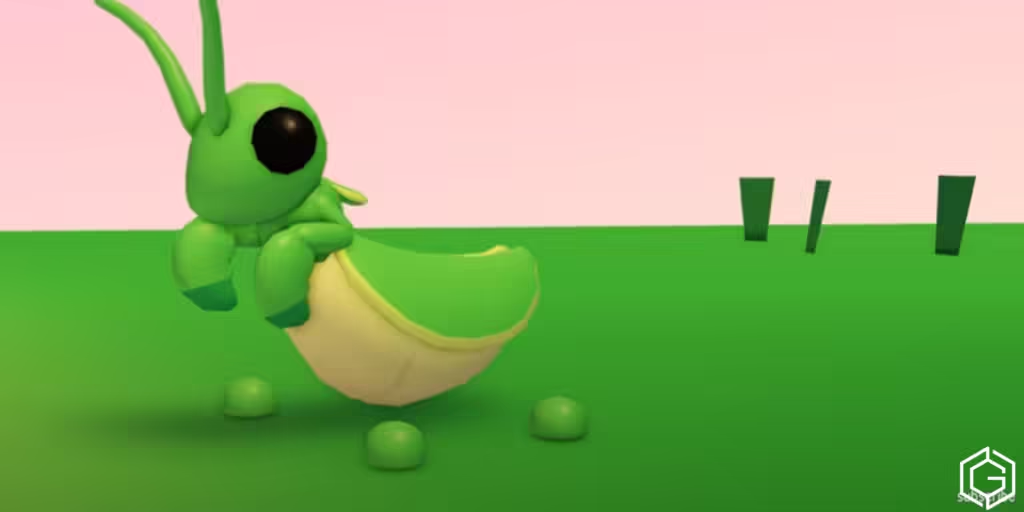
You will find various kinds of codes in Adopt Me. Some are active codes, and some are expired codes. So, for your convenience, we have mentioned all of the active as well as expired codes.
All Active Adopt Me Codes
There are currently no active Adopt Me codes in January 2026.
All Expired Adopt Me Codes
Here’s a list of all Adopt Me codes that are no longer working:
- SEAcreatures
- GIFTUNWRAP
- subbethink
- DiscordFTW
- GIFTUNWRAP
- M0N3YTR33S
- 1B1LL1ONV1S1TS
- SUMMERSALE
- SUMMERBREAK
- AMTRUCK2024
The above-mentioned codes are expired codes; redeeming them won’t give you any rewards. But for your better understanding, we have provided these expired codes.
How To Redeem Codes In Adopt Me
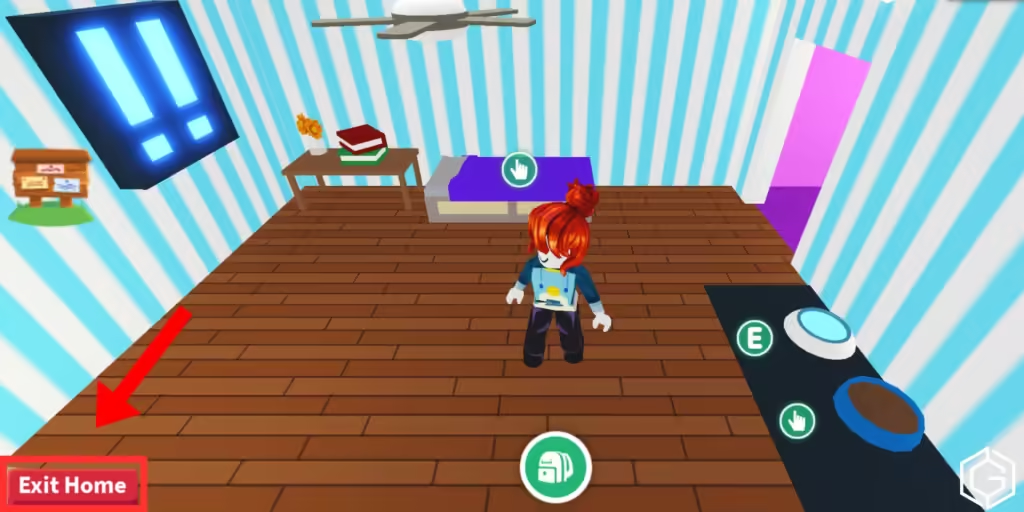
Now that you know there are active Adopt Me codes available, you should also learn how to redeem these codes, so check the following four steps:
- Open the Roblox player and launch the Adopt Me experience.
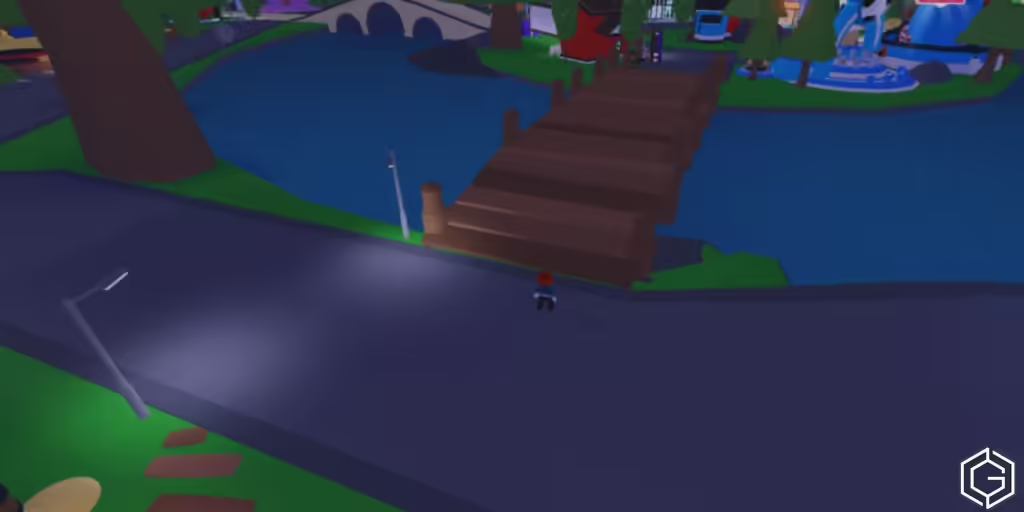
- Walk towards the Exit tunnel to enter the Adoption Island.
- Cross two bridges and find the white courtroom with a weighing scale on its roof.
- Enter the building and interact with the Kiosk box beside Agent Ruhi.
- Type a code here and click the Redeem! button.
Adopt Me Codes Not Working
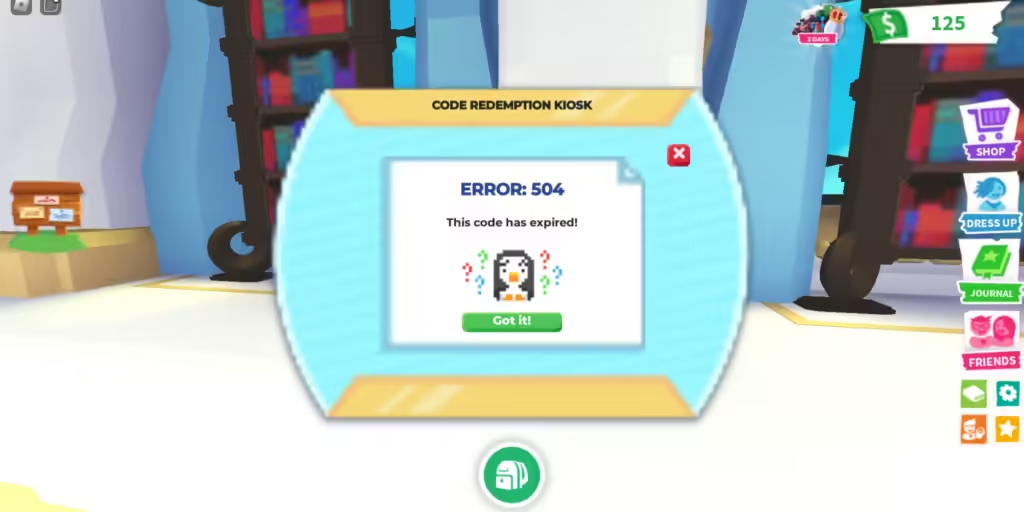
If the codes are not working, there can be a possible mistake in spelling, so first check that it looks correct, then check that the numbers and capital letters match perfectly or not. If everything looks perfect, then the code must have expired or been only valid for a short time.
Glitches or bugs can be issues that prevent you from redeeming the codes on time. If you have followed the steps correctly and are still showing a problem, then try restarting the game, or you can check official bug reports or code status updates.
How To Get More Adopt Me Codes
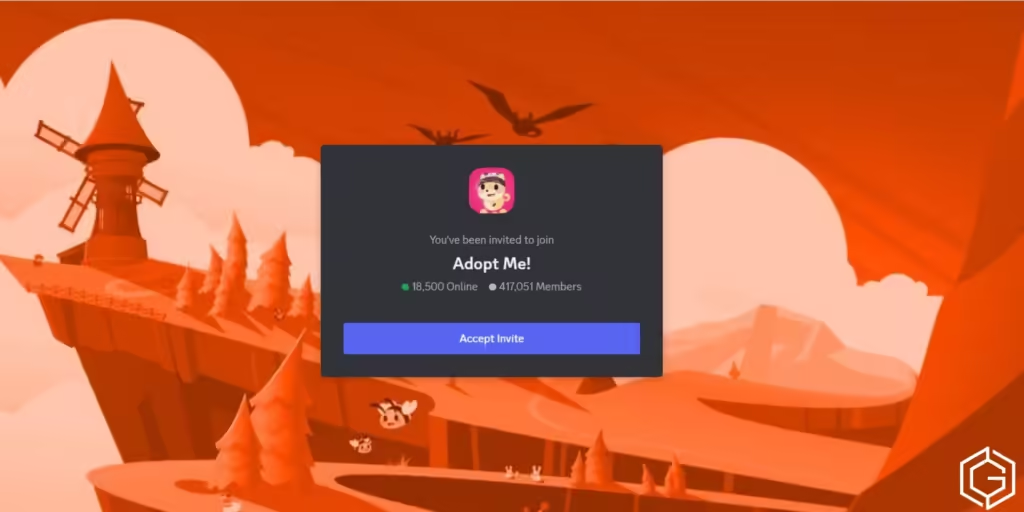
If the above Adopt Me codes don’t do it for you, there are other ways. Begin by joining the official Adopt Me Discord server alongside following the creator’s YouTube channel. Furthermore, you can follow the developer’s X account for more details on the game.
If you are busy grinding the game and finding codes is getting a little hard, worry not. We go through the sources regularly to find the latest Adopt Me codes. While checking the codes, if one expires, we move it to the expired list as well. So, if you want to stay up-to-date with the active codes, bookmark this page right away.
What is Adopt Me
Adopt Me is a fun and popular Roblox RPG, where your journey starts with building big and cute homes where you can virtually adopt pets by hatching eggs and taking care of them. You can raise, upgrade these pets, and even trade them with other players.
Frequently Asked Questions (FAQs)
The time period is very short till this month, so you should hurry and redeem the codes before it’s too late.
Open the Roblox player and launch the Adopt Me experience, walk towards the Exit tunnel to enter the Adoption Island, cross two bridges and find the white courtroom with a weighing scale on its roof. Enter the building and interact with the Kiosk box beside Agent Ruhi, type a code here and click the Redeem! button.
Check if the spellings are correct or not, numbers and capital letters match perfectly or not and check if there is any server lag or not.
You can bookmark the page and join the official Adopt Me Discord server, alongside following the creator’s YouTube channel.
Check out The Forge: How to Get Demonic Pickaxe or Brookhaven RP: How to Get All LEGO Car for more on Game Geek Fusion!
